
What do I need before starting?
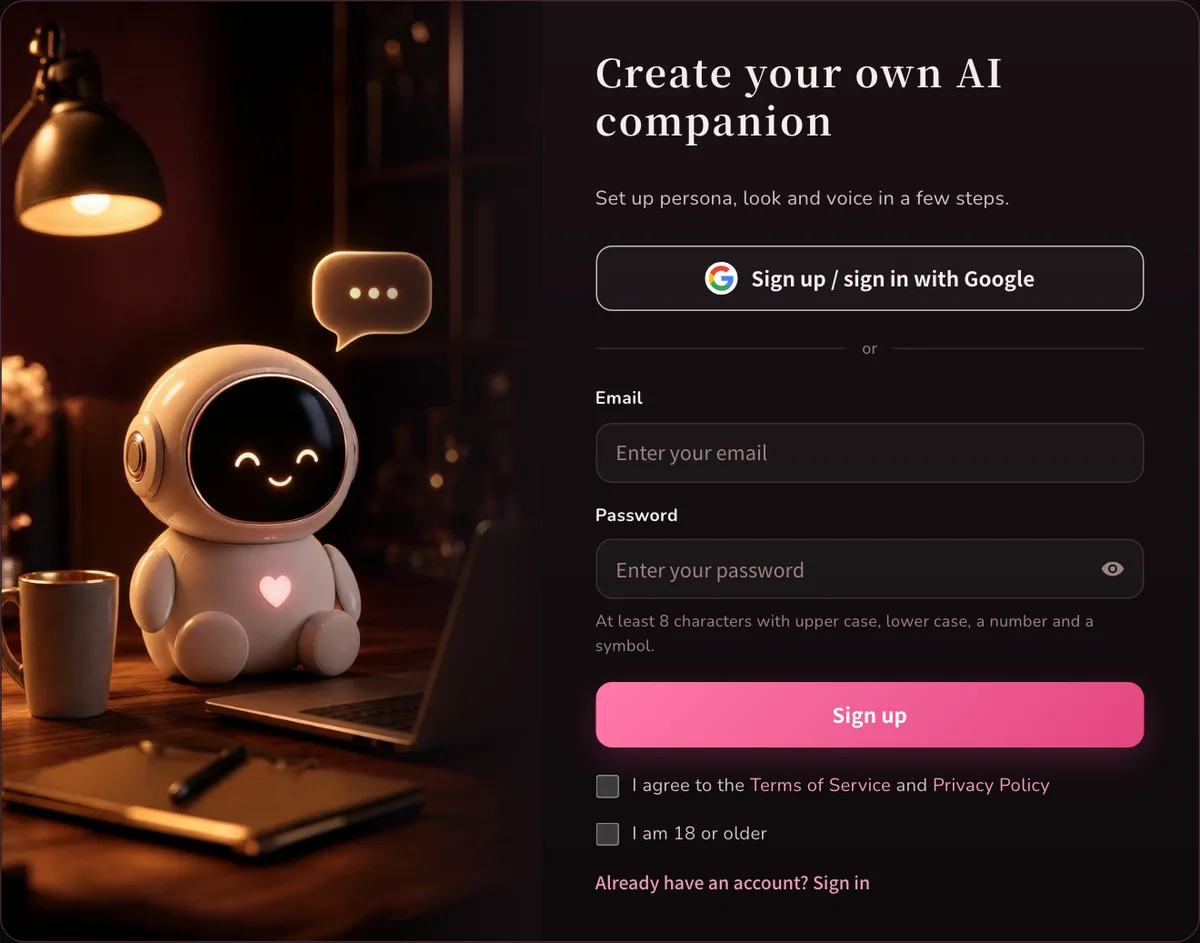
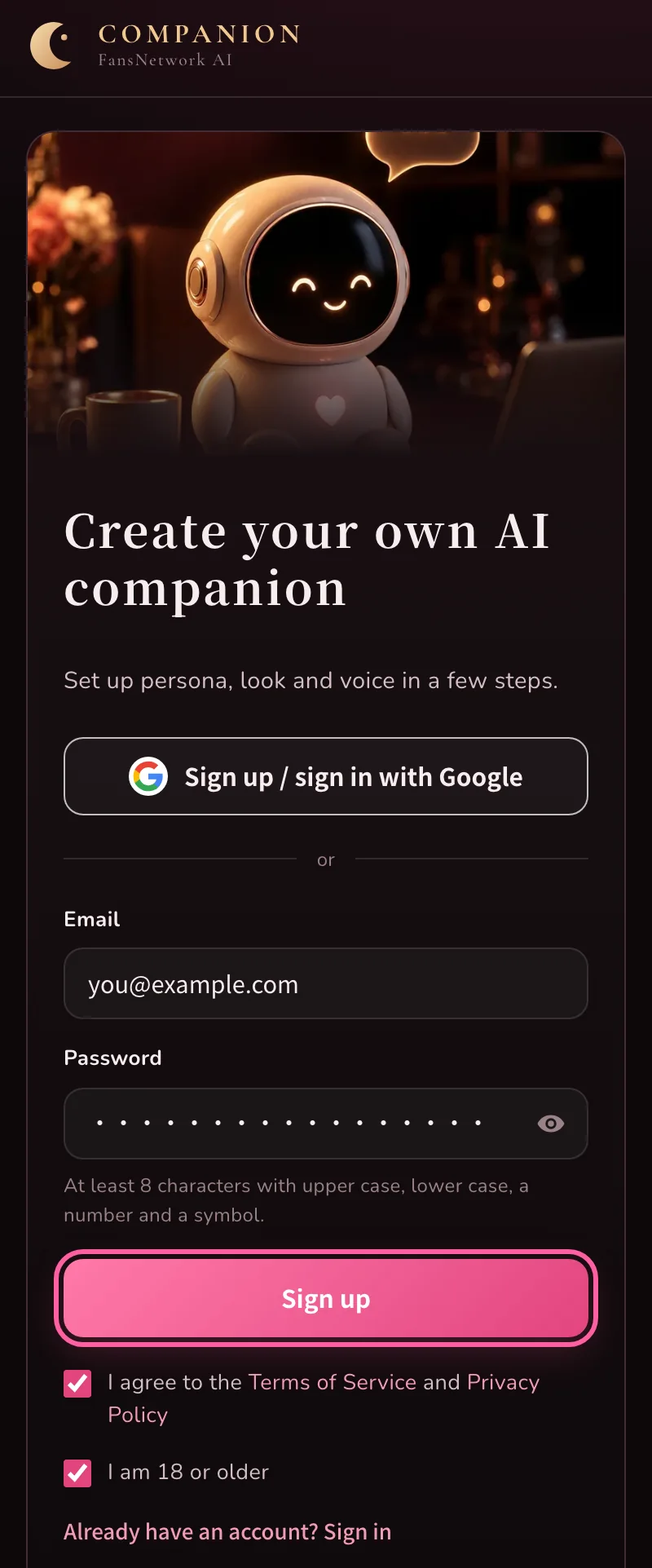
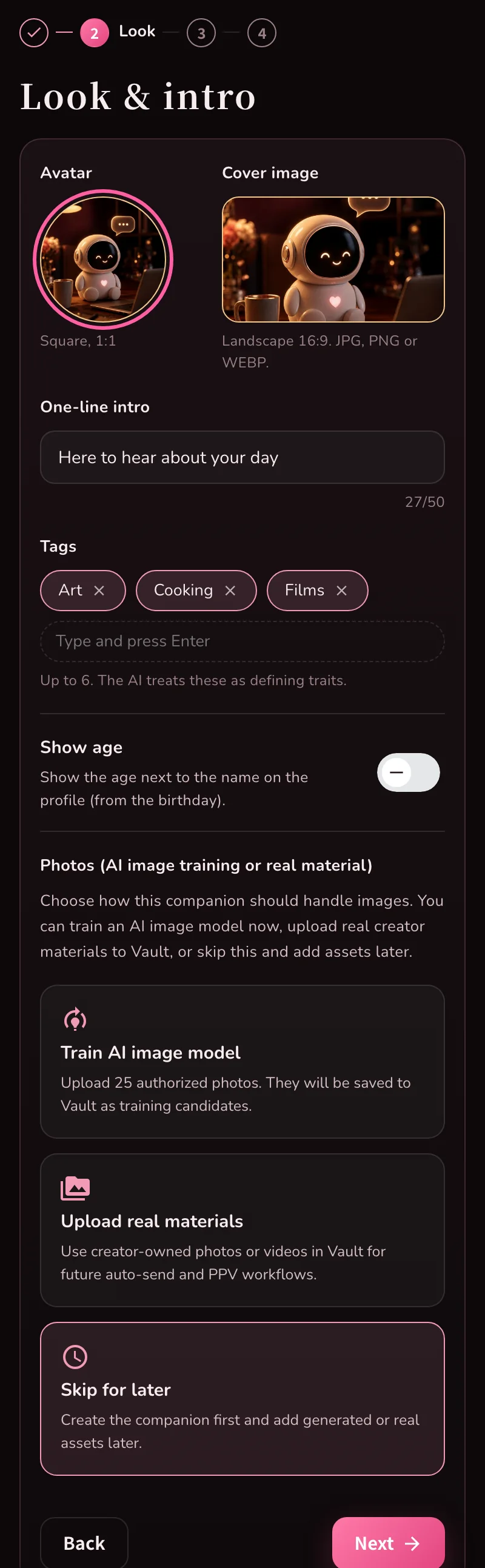
An email address you can receive mail at (or a Google account), a name, and a picture for the avatar. A phone or a computer both work.
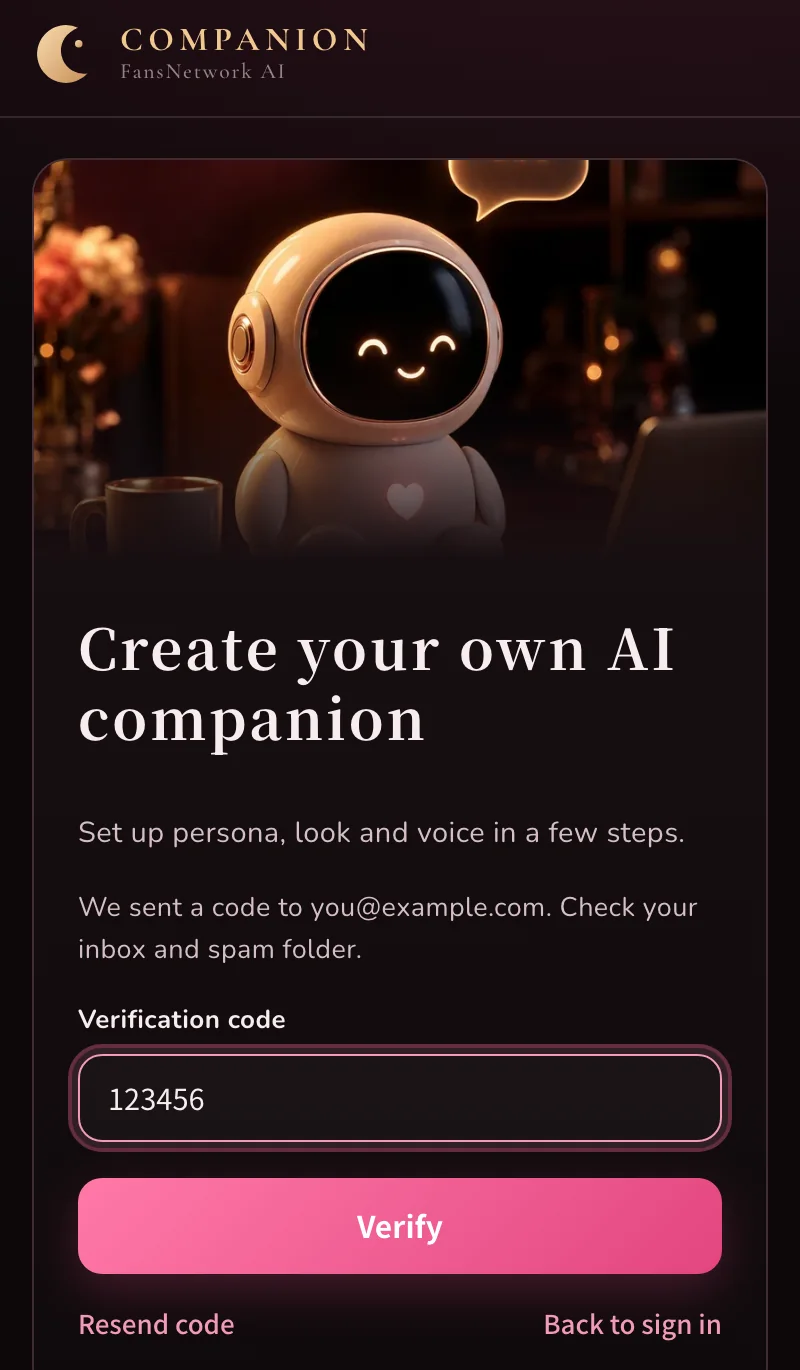
What if the verification code does not arrive?
Check spam and the Promotions tab first, then choose “Resend code”.
Typed the wrong email: go back and sign up again with the right one.
Prefer not to wait: use the Google button instead.
Can I change things afterwards?
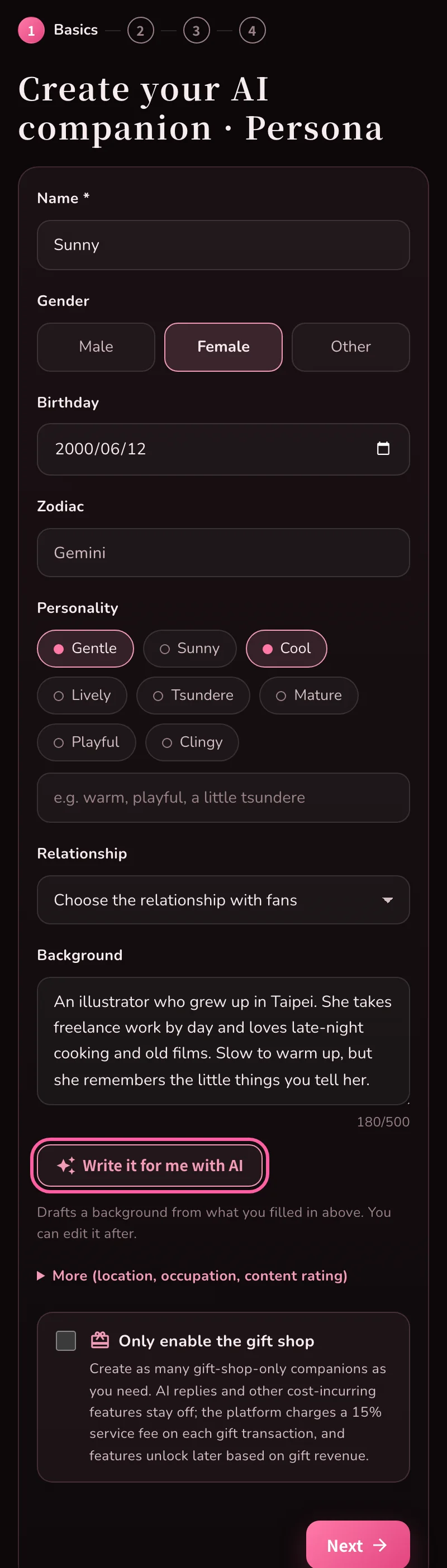
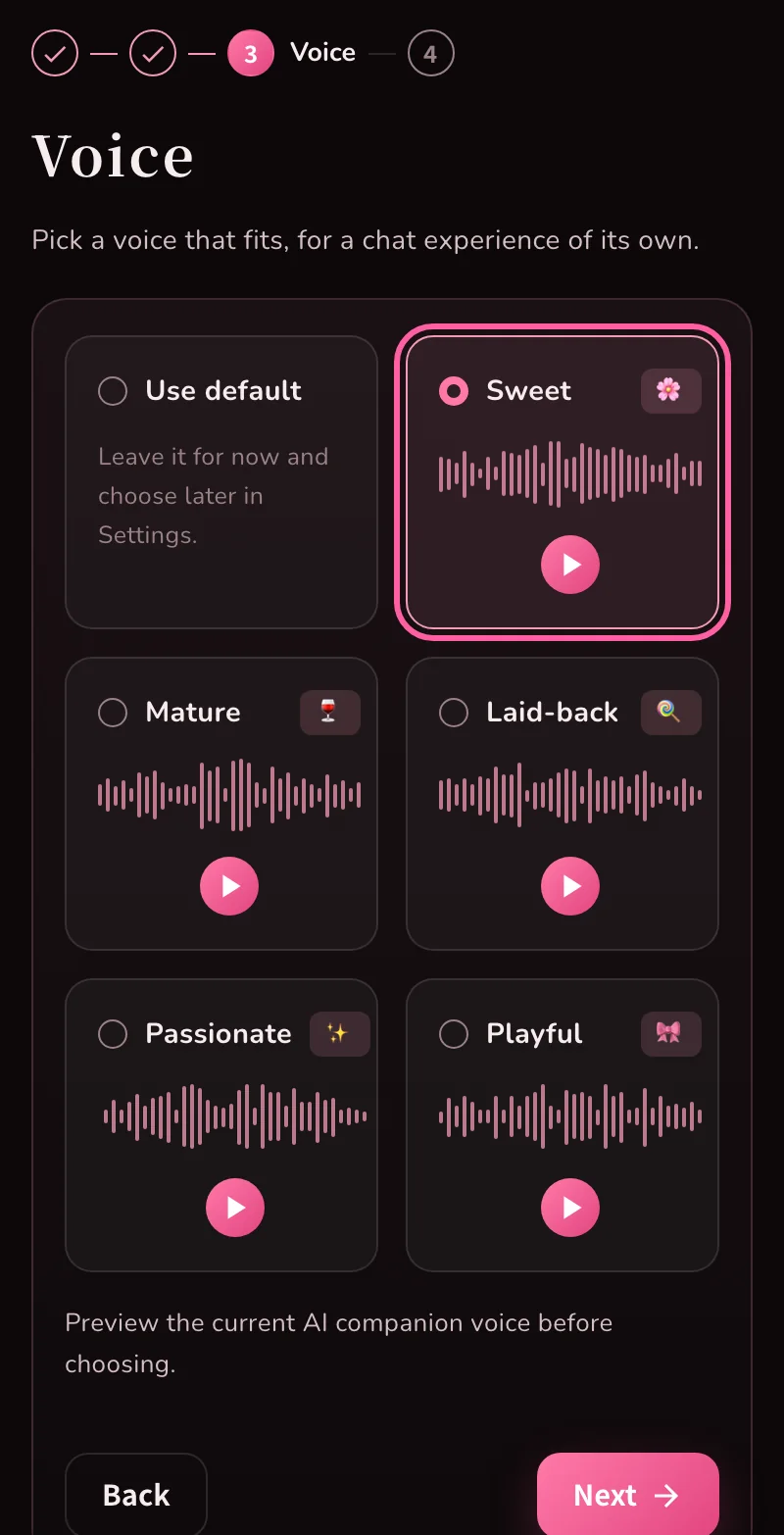
Yes. Name, personality, background, avatar and voice can all be edited later in the dashboard under Persona, My page and Settings.
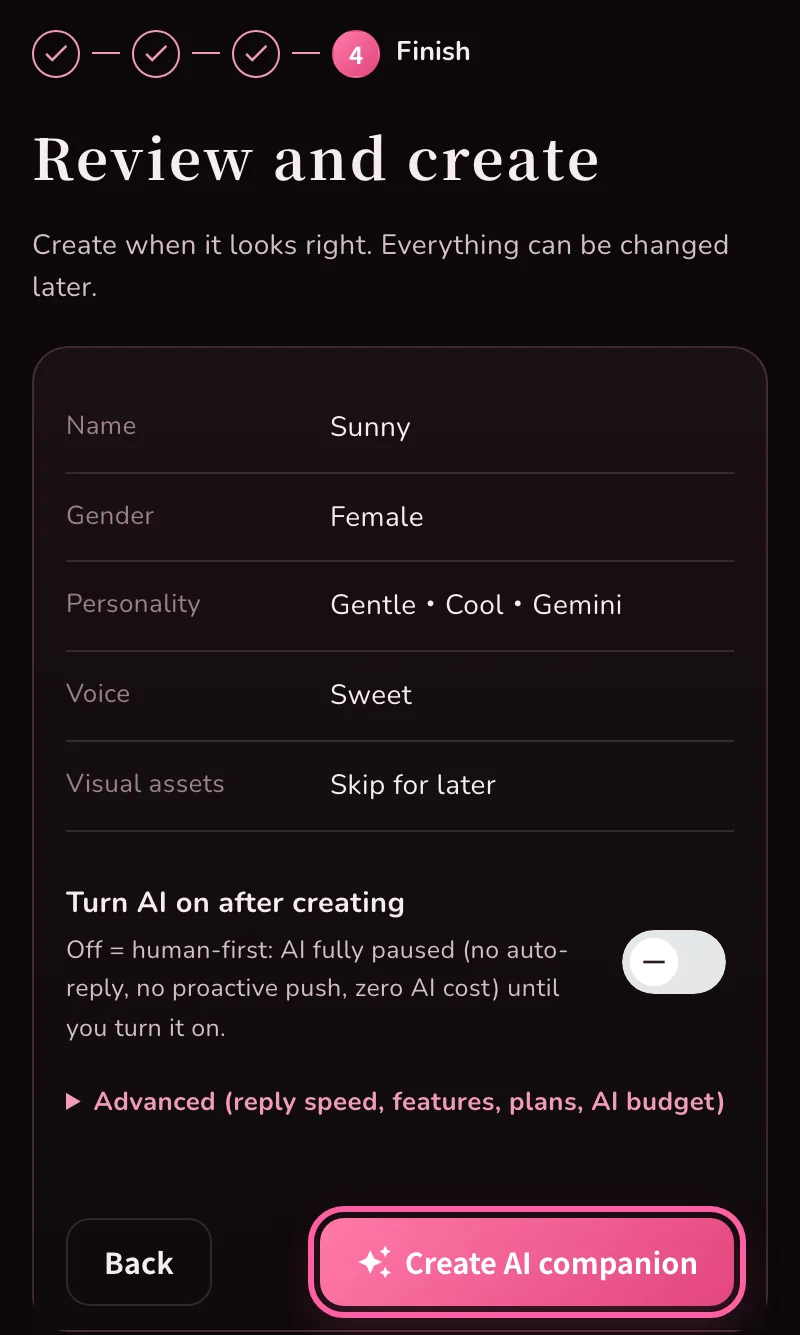
Will the AI start replying to fans right away?
That depends on “Turn AI on after creating” in the last step. When it is off, the AI does not reply or send anything on its own.
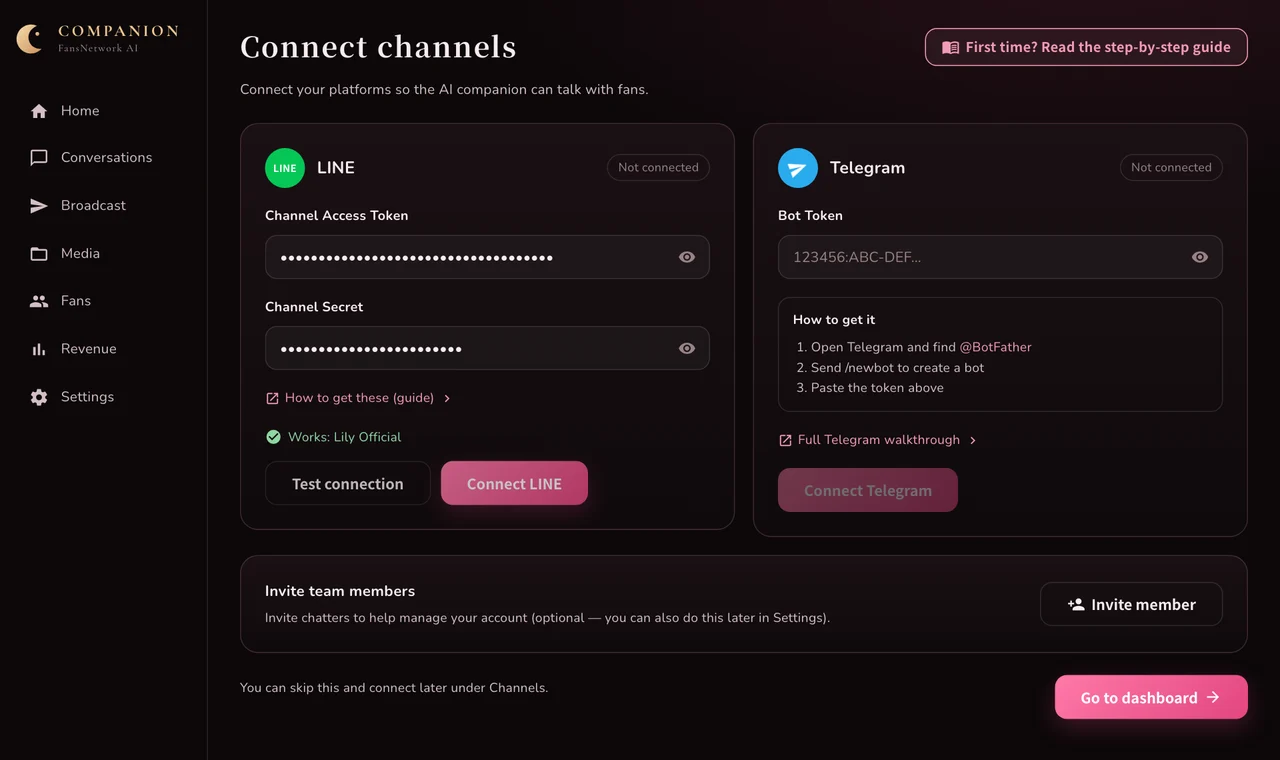
Until LINE or Telegram is connected, fans cannot message you anyway.
AI replies have an AI cost; you can set a monthly budget cap in Settings.
I only want a gift shop, not AI chat
Tick the gift-shop-only box at the bottom of step 1 (Basics). The screen switches to the single-page gift shop setup and AI replies stay off. See the gift shop setup guide for the rest.