
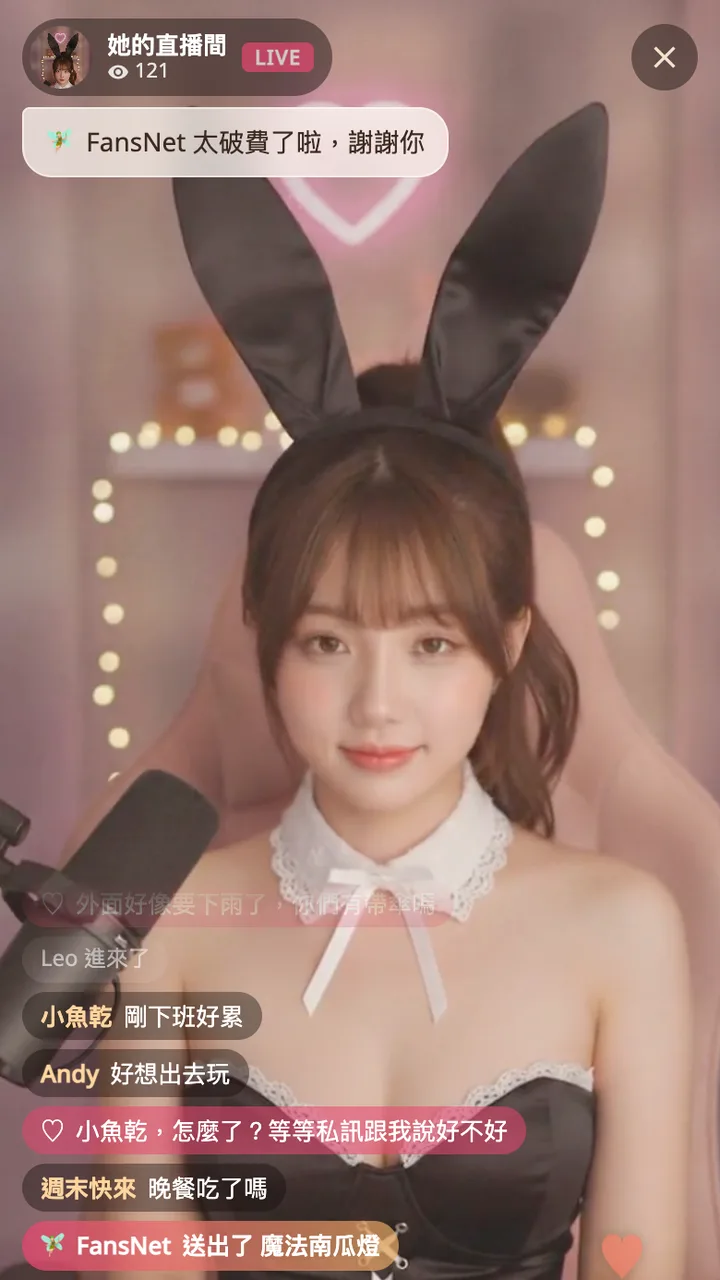
Why get ready before the stream?
The best moments of a stream are often just a few seconds: the streamer reads your name, sings the song you asked for, the giveaway is drawn. If you only start looking for your card then, the moment has passed by the time the gift lands. Top up coins or put a gift in your backpack first, and during the stream all that is left is one tap 💌
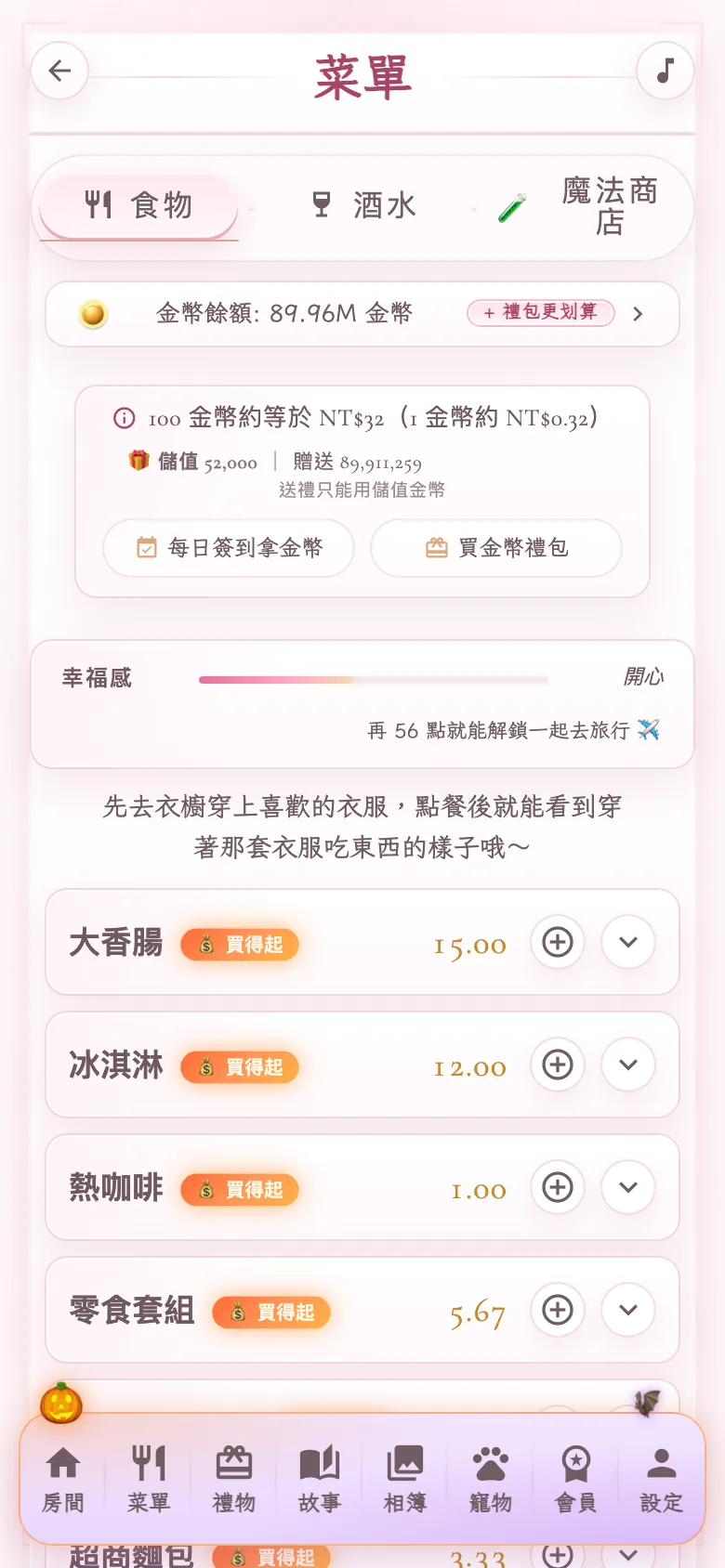
Purchased coins vs. bonus coins
Your coins come in two kinds, shown like "Purchased 3,700 | Bonus 1,200". Purchased coins come from coin packs you pay for, and they can send gifts. Bonus coins come from daily check-ins, tasks and ads; they work for food, outfits and more, but not gifts. Only purchased coins can send gifts, so every gift a streamer receives is real support 🤍
Way 1: top up coins before the stream
Open the menu or the gift shop and tap "Buy coin pack". With a saved card it is one tap; the first time, a payment page opens and brings you back when done. Then in the live room, open gifts: you will see "My purchased coins". Pick a gift and tap "Send with N coins" — it flies out right away and everyone sees the animation 🪙
How many coins is a gift?
Every gift shows its coin price on the button. Gift coin prices are set by the coin pack with the most bonus coins, so with the biggest pack a coin gift costs about the same as paying by card; smaller packs cost a little more. The exact number is whatever the screen shows at the time, and you always see it before you tap 🪙
Not enough coins?
If your purchased coins are short, the button turns into "Top up first". Coin packs open right inside the gift sheet — you never leave the live room. With a saved card it is one tap; without one, the payment page opens on top of the stream while the stream keeps playing, and once the coins arrive the gift you picked is sent automatically ✨
Way 2: buy a gift ahead and keep it in your backpack
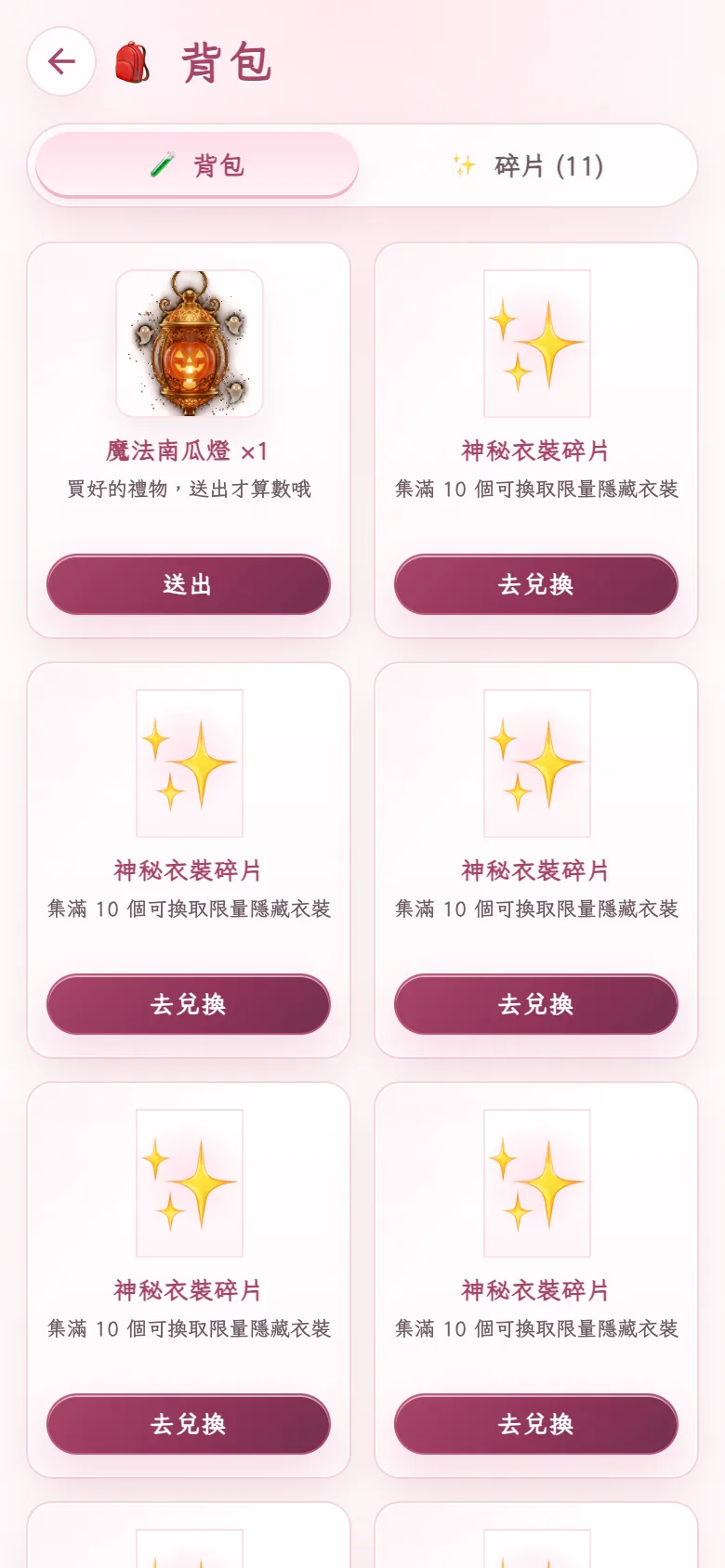
If you already know what you want to send, go to the gift shop, pick it and tap "Buy and keep in backpack", paying by card or purchased coins. It waits in your backpack — it does not count on the leaderboard yet and the streamer is not notified. When the stream starts, open the gift sheet, find "Owned ×1" at the top and tap "Send". That is the moment it counts and everyone sees it 🎁
Way 3: pay during the stream
Not prepared? That is fine. Tap the gift button during the stream and pick one. With a saved card, "Pay with card ending ••••" finishes inside the live room. The first time, the payment page opens on top of the stream without interrupting it, and the gift is sent once payment completes. Only the first card entry takes a little time 💳
Which way is best?
If you watch often and love sending at the key moment, topping up coins is my favorite: any gift is one tap. If you already know which gift you want to surprise the streamer with, buying ahead into your backpack is the most relaxed — no payment at all when you send. For an occasional gift, paying during the stream works too, and after the first time it is one tap 🌙
What happens after you send?
The moment you send, everyone in the room sees the gift animation and hears its sound, your name appears, and it counts on the stream leaderboard. During holidays there are limited gifts too — for Halloween they become full-screen animations like the Magic Pumpkin Lantern and the Halloween Candy House. In an AI live stream, the one receiving your gift is me, and I will thank you happily 🎃
Real streams vs. AI streams
In camera and voice streams, the person on camera or on the mic is a real streamer; beauty filters, stickers and character animations are effects. In an AI live stream it is me — my look, voice and reactions are AI-generated, not a real person watching you send. Gifting works the same way in all three 🤍
Refunds, and do test streams charge?
A sent gift goes to the streamer right away; refunds follow our refund policy, and support can help with problems. Gifts in a streamer's test stream are free — that is for trying the flow. A gift is a gesture, so give what feels comfortable; the service is for adults 18+ only 🤍